What it does
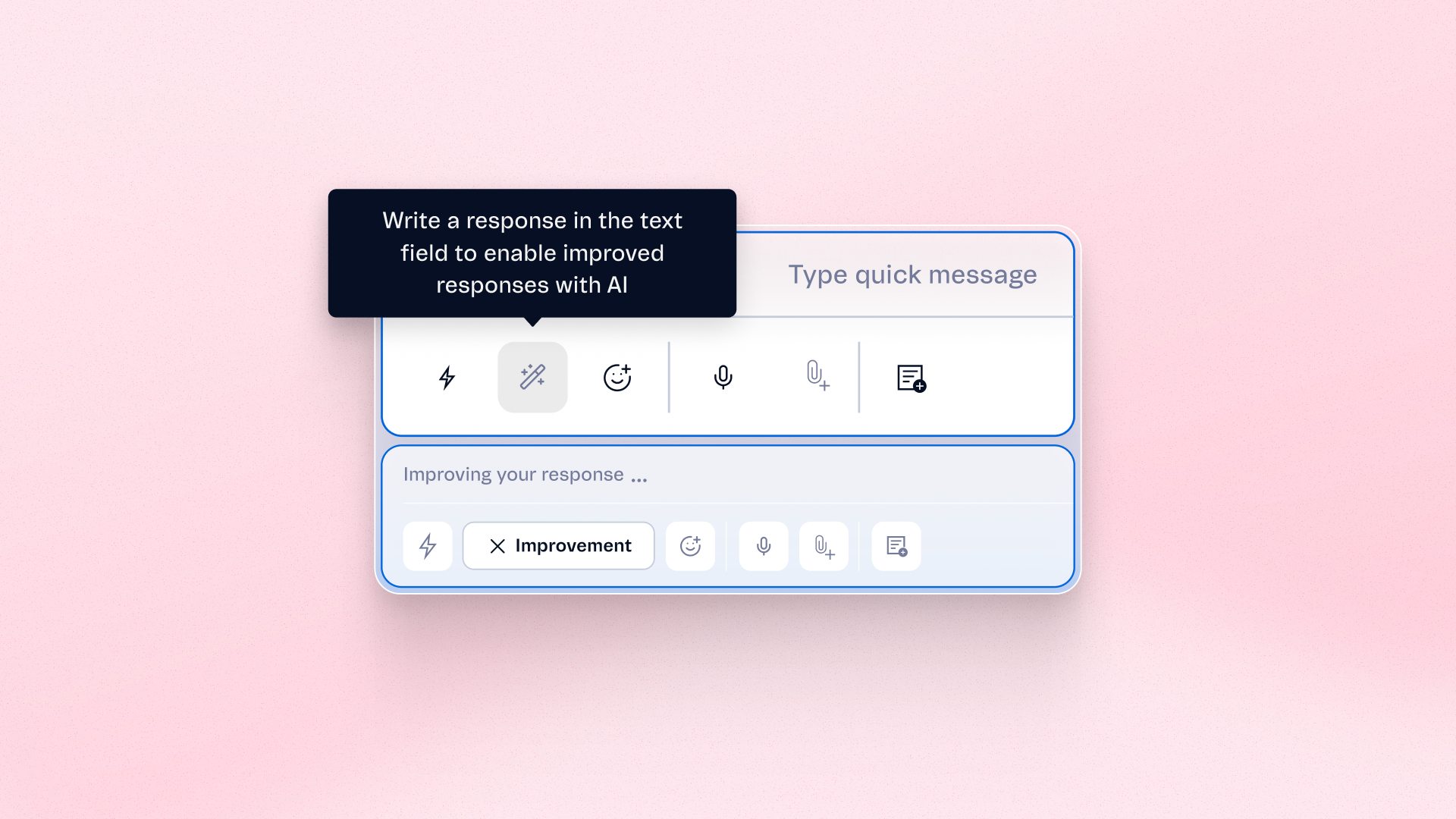
Live Desk operators can now improve a drafted message with AI before sending it. Choose Fix Spelling and Grammar, Make More Empathetic, or Rewrite for Clarity, then review the suggestion. Nothing is sent automatically, so you stay in full control of every reply.
Benefits
- Clearer replies: Rewrite messages so customers understand them faster
- More empathetic conversations: Adjust the tone for more considerate responses
- Fewer writing mistakes: Fix spelling and grammar before you send
- Full control: Review, revert, or cancel each suggestion. You always send the reply yourself
How to use
In Live Desk, write a draft in the message box and select Improve with AI. Choose an option, review the suggestion, and send it yourself. You can revert to your original draft or cancel the change while it's processing.