What it does
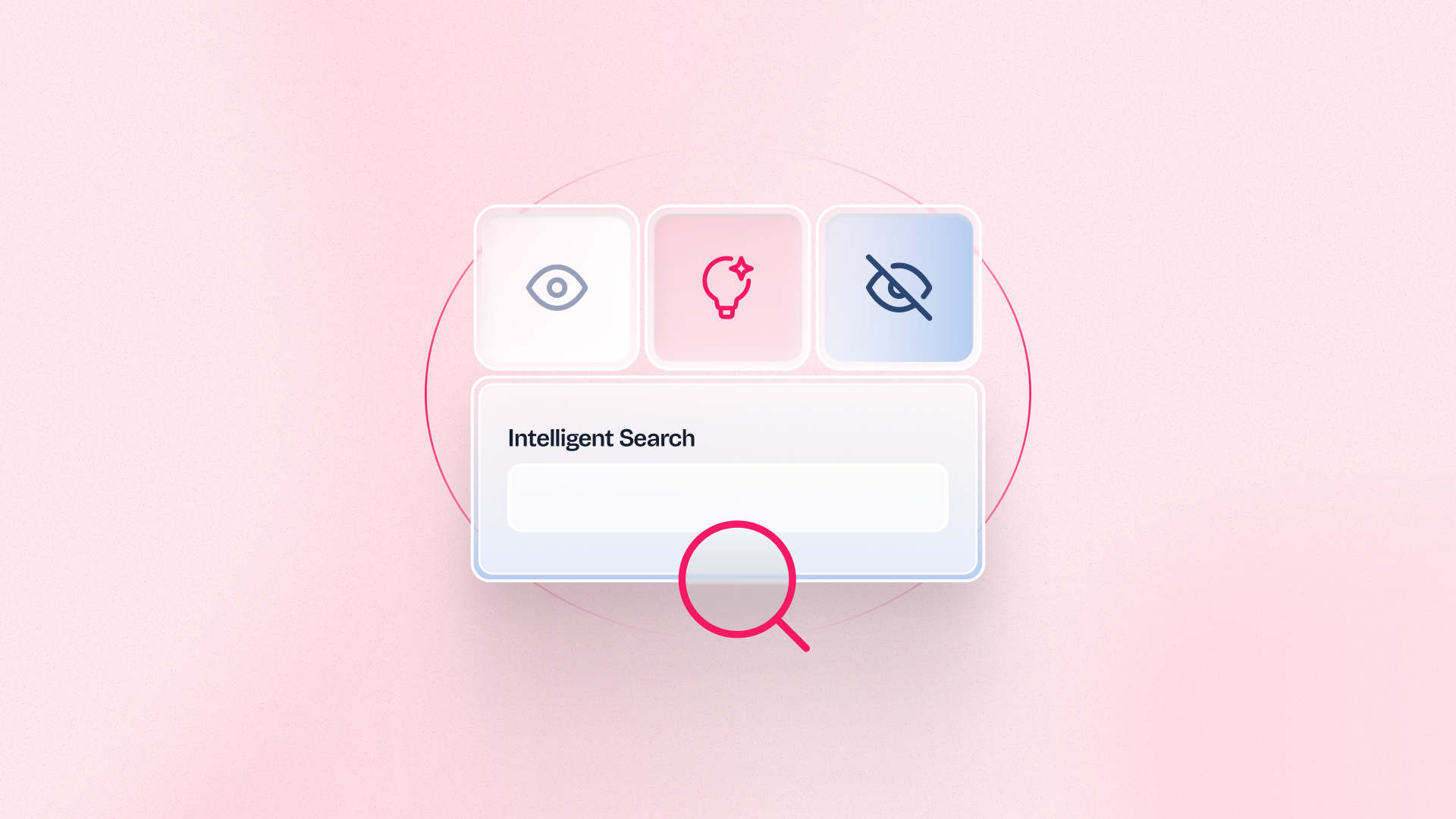
Merchants can now configure a minimum result coverage threshold in Intelligent Search. When a filter option would return fewer results than the defined threshold, it is automatically hidden from the search results page. This prevents shoppers from selecting filters that lead to near-empty pages, reducing bounce rate and keeping the search experience focused on results that convert. The behavior is dynamic and context-aware: facets are not permanently removed, they are hidden based on the current query and result count.
Benefits
- Fewer dead-end searches: Shoppers only see filter options that return meaningful result sets, reducing the frustration of landing on near-empty pages.
- Lower search bounce rate: Removing low-coverage facets keeps shoppers in the search flow and closer to conversion.
- No manual per-facet rules needed: One threshold configuration applies across the catalog automatically, without requiring individual facet management.
How to use
To enable Facet Visibility Based on Result Coverage, submit a request through a Zendesk ticket. After activation, configure the minimum result coverage threshold in the Intelligent Search admin settings. The threshold determines how many results a facet option must return to remain visible. This feature is in Early Access — contact VTEX Support to enable it for your account.