What it does
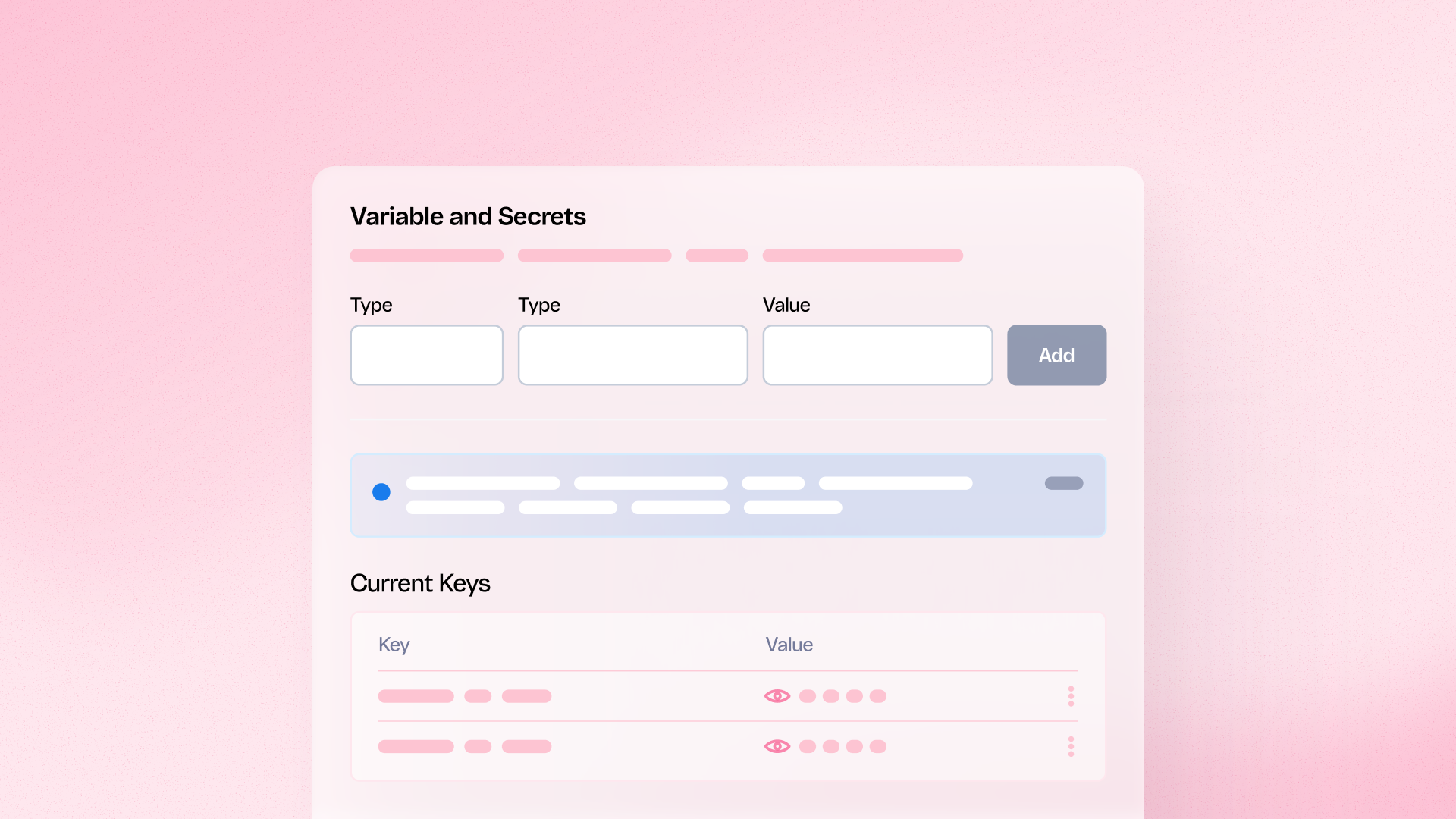
This update introduces granular permission settings for Secrets within the FastStore WebOps Admin. It allows administrators to hide sensitive credentials from unauthorized users while still permitting developers to work on the storefront codebase without compromising security protocols.
Benefits
- Enhanced security: Protect high-stakes credentials from accidental leaks or unauthorized viewing
- Operational flexibility: Allow developers to work on the codebase without needing direct secret access
- Granular control: Assign view or edit permissions based on specific user roles
How to use
Navigate to the WebOps section in your FastStore Admin and access the Variables and Secrets tab to configure user-specific permissions.