What it does
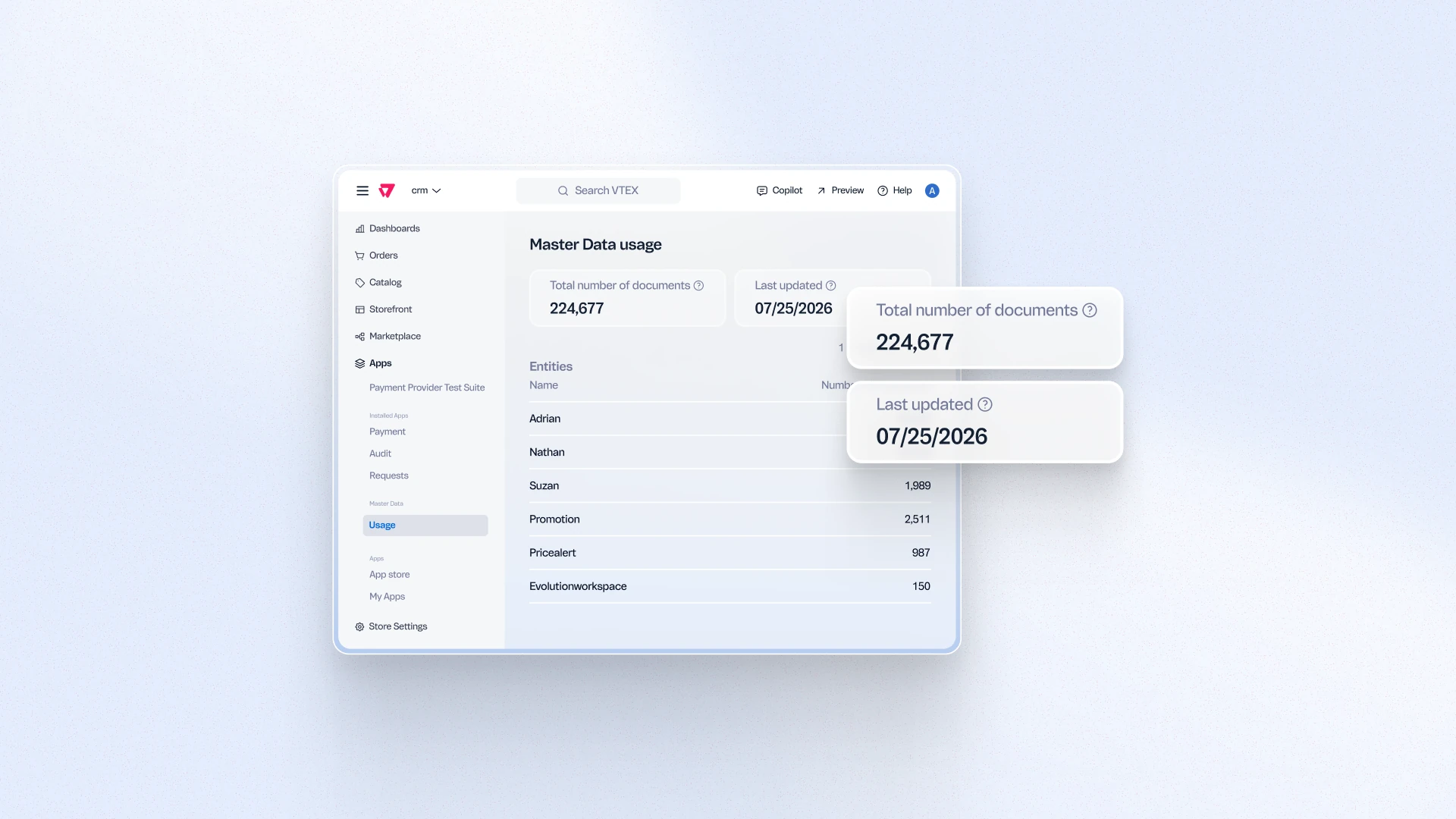
The Master Data Usage Dashboard gives merchants direct visibility into their consumption of non-native Master Data entities, which are now subject to usage-based billing. From a single panel in VTEX Admin, teams can monitor usage metrics, understand consumption trends, and manage their billing posture autonomously, without depending on VTEX Support to retrieve this information.
Benefits
- Billing transparency: Merchants can see exactly how much non-native Master Data is being consumed, with no surprises at invoice time.
- Operational autonomy: Teams monitor and manage their own usage without opening tickets or waiting for VTEX Support.
- Faster response to usage spikes: Real-time visibility allows teams to identify and address unexpected consumption before it impacts billing.
How to use
In VTEX Admin, go to Account Settings > Master Data and open the Usage Dashboard tab. Usage metrics and billing information for non-native entities are available without additional configuration.