What it does
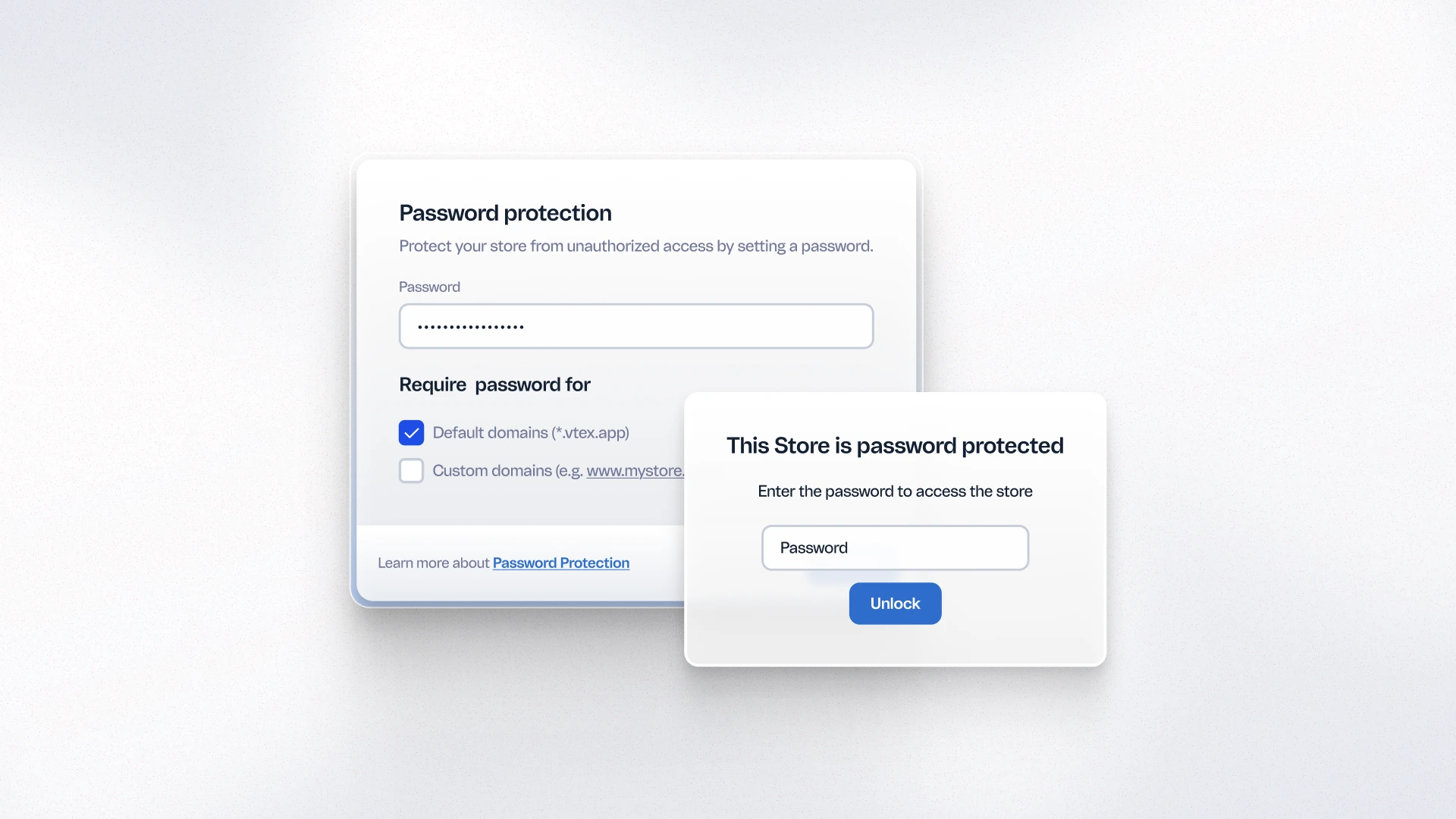
FastStore now includes a native password-protection flow for gated storefront access, managed directly through WebOps settings. When enabled, visitors must enter a password to access the protected domain. The feature adds middleware that validates a secure session cookie and an unlock endpoint that verifies credentials before granting access. Merchants can configure which domains require authentication — preview URLs, staging environments, or production — without any custom development.
Benefits
- Prevents accidental public exposure: Protected environments are not accessible to unauthorized visitors or search engine crawlers during development and pre-launch phases.
- No custom development required: Password protection is configured directly in FastStore WebOps — no middleware or custom auth logic needed.
- Flexible scope control: Merchants can apply protection to specific domains (preview, staging, production) independently, depending on the stage of the project.
How to use
Upgrade your FastStore project to v4.3.0 or later. In WebOps, go to Settings and enable password protection for the desired domain. Configure the password through the WebOps interface. The login page and session management are handled automatically by FastStore.