What it does
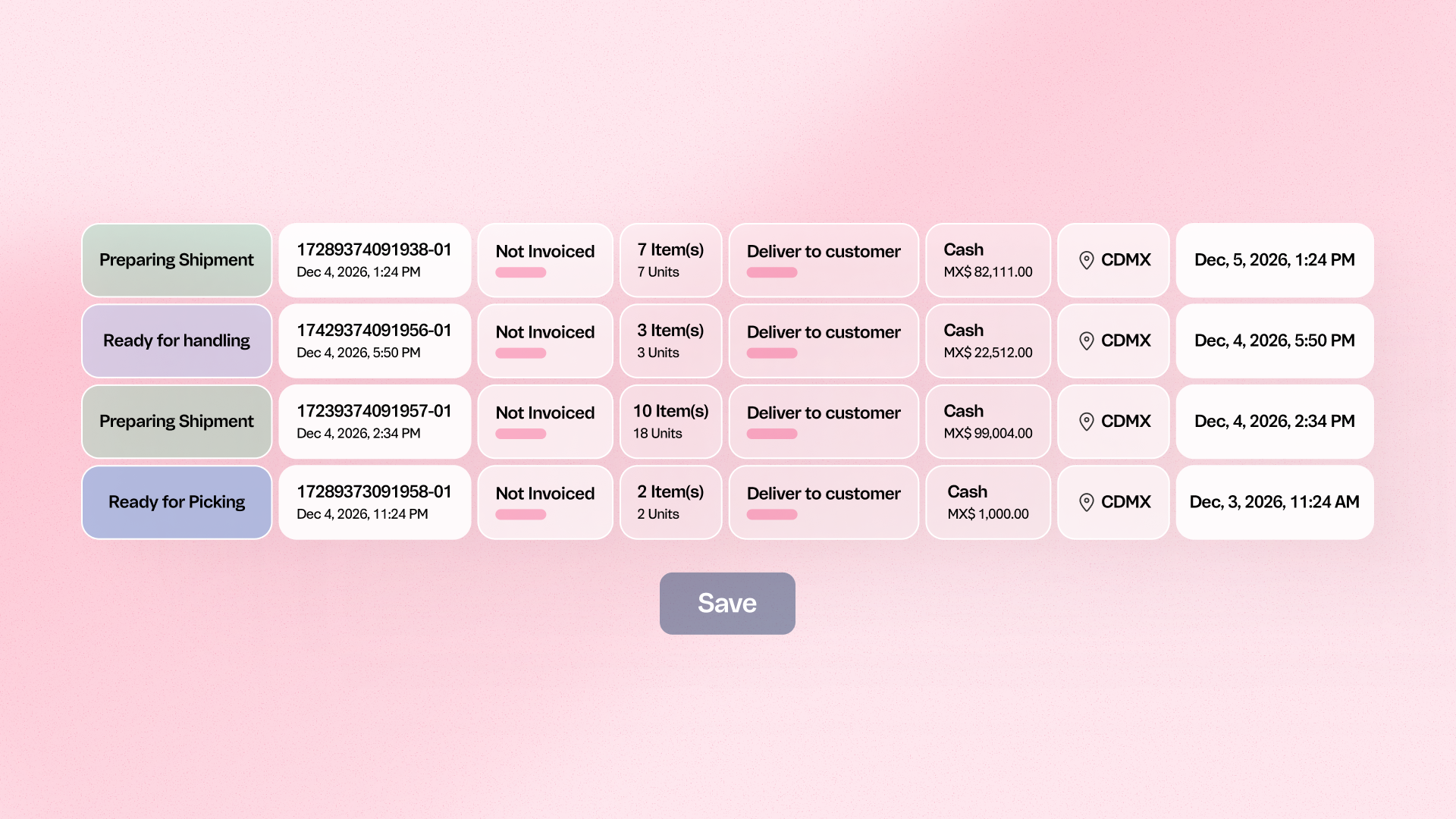
This release allows administrators to configure whether orders that have already been invoiced should appear in the picker's task list. This ensures that the Pick and Pack app reflects the merchant's specific workflow; preventing pickers from seeing or claiming orders that no longer require picking.
Benefits
- Optimize picker focus: Remove non-actionable invoiced orders from the task list
- Faster fulfillment: Reduce the time spent filtering through orders to find active tasks
- Workflow customization: Align the Pick and Pack interface with your specific warehouse SOPs
How to use
Navigate to the Pick and Pack settings in the Admin; go to the 'General' tab under 'Settings'; and toggle the option to show or hide invoiced orders from the picker's view.