What it does
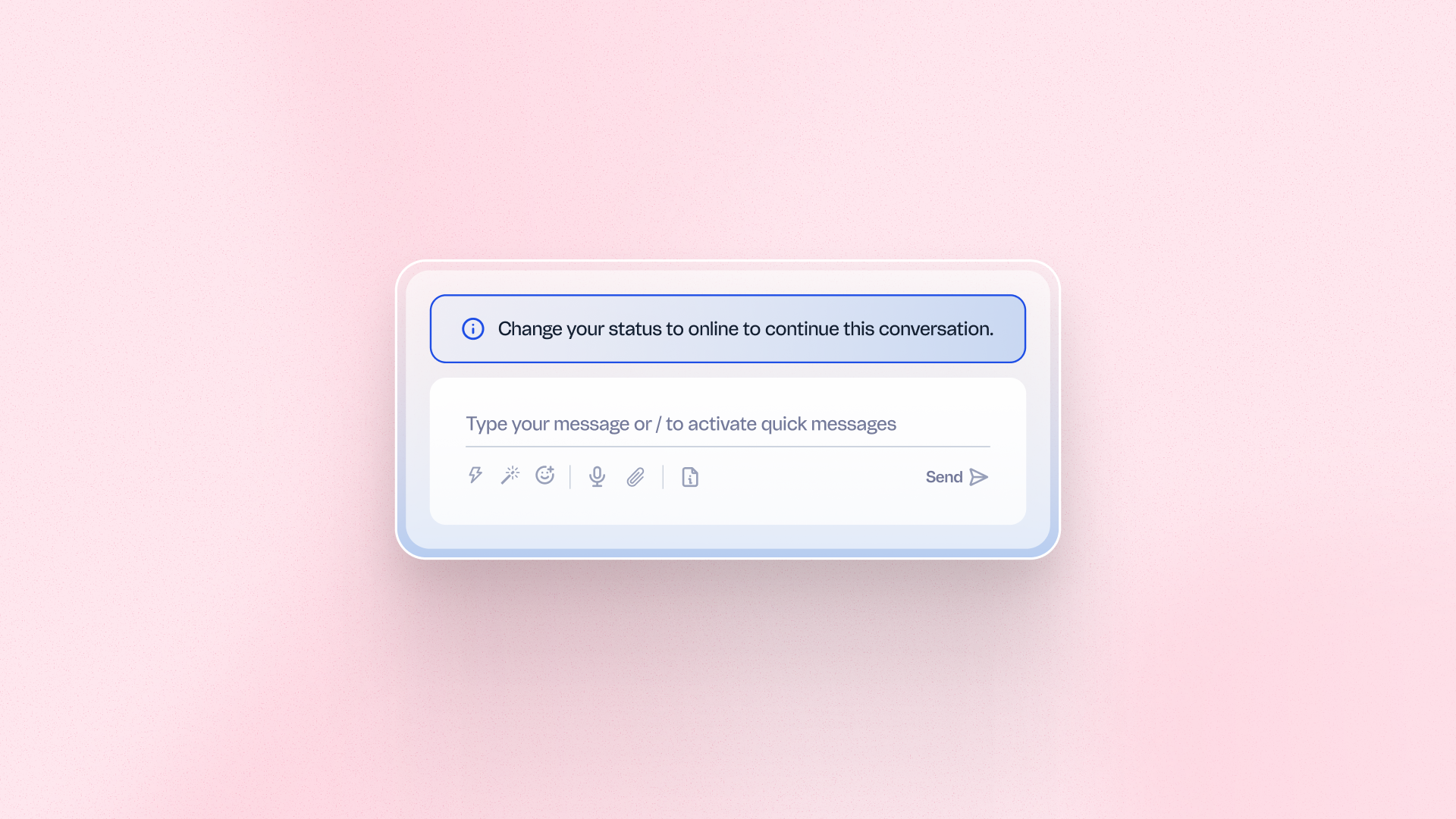
Restrict message sending in Live Desk to representatives currently marked Online, blocking representatives who are Offline or On Break from responding to conversations assigned to them. Get a more accurate picture of real team availability and workload distribution. Rely on cleaner response-time data across your support operation.
Benefits
- Accurate availability data: See your team's real online status reflected in every conversation
- Reliable response-time metrics: Measure performance without gaps caused by inactive agents
- Simple setup: Enable the setting per project directly in Live Desk general settings
How to use
Go to Live Desk general settings and enable "Allow interactions only for online representative." The setting is off by default and must be turned on separately for each project. Once enabled, only representatives marked Online can send messages in conversations assigned to them.