What it does
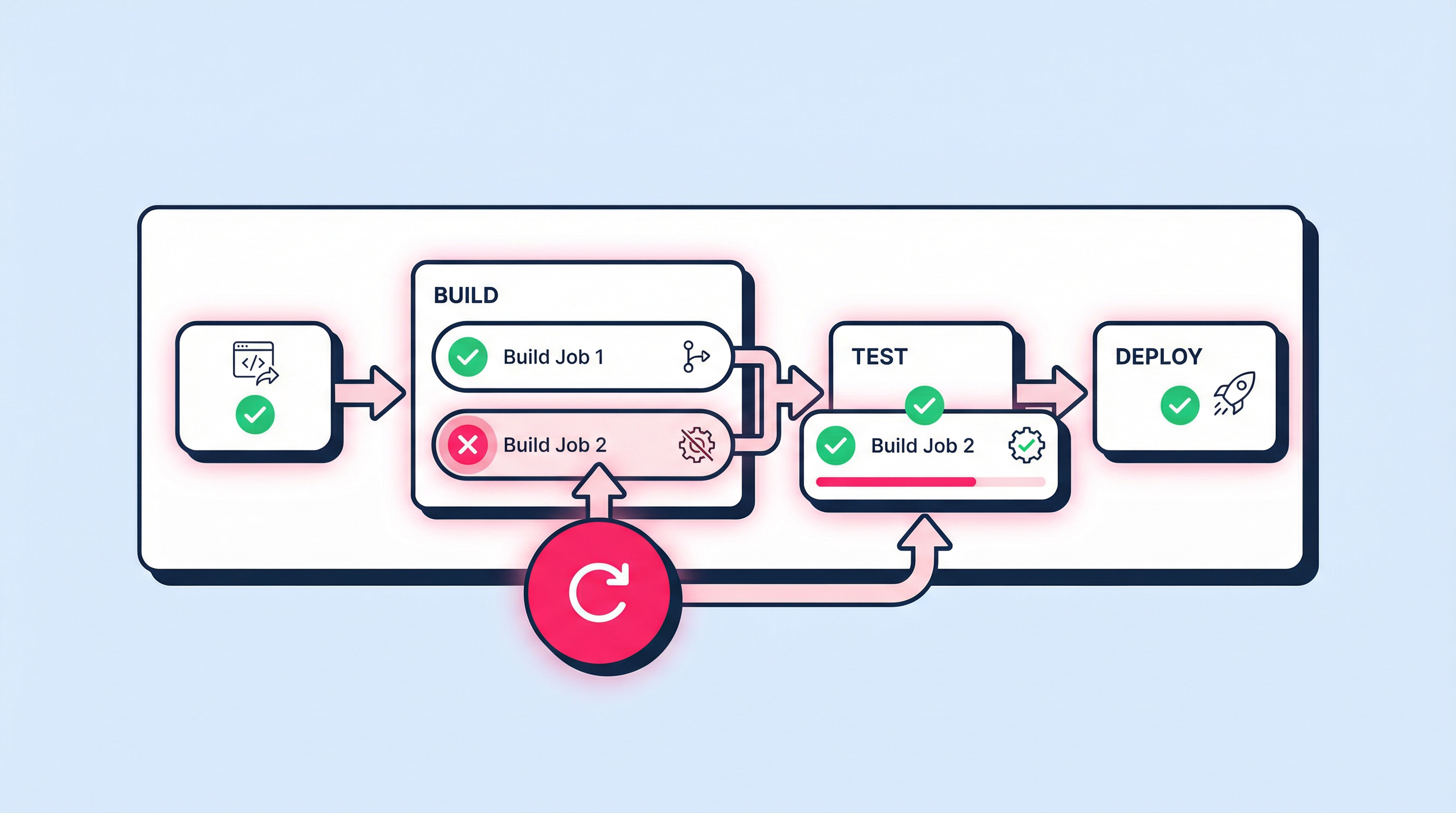
This update introduces a 'Re-execute' button for build jobs in the FastStore WebOps Admin. It allows developers to restart a build process that may have failed due to non-code issues; such as external API timeouts or configuration errors; without altering the repository history.
Benefits
- Faster troubleshooting: Resolve transient build failures in seconds
- Clean Git history: Avoid 'fix' commits for issues unrelated to the codebase
- Operational efficiency: Empower developers to manage deployments independently of the Git provider
How to use
Navigate to the WebOps section in your FastStore Admin; locate a failed build job; and click the 'Re-execute' button to restart the process.