功能說明
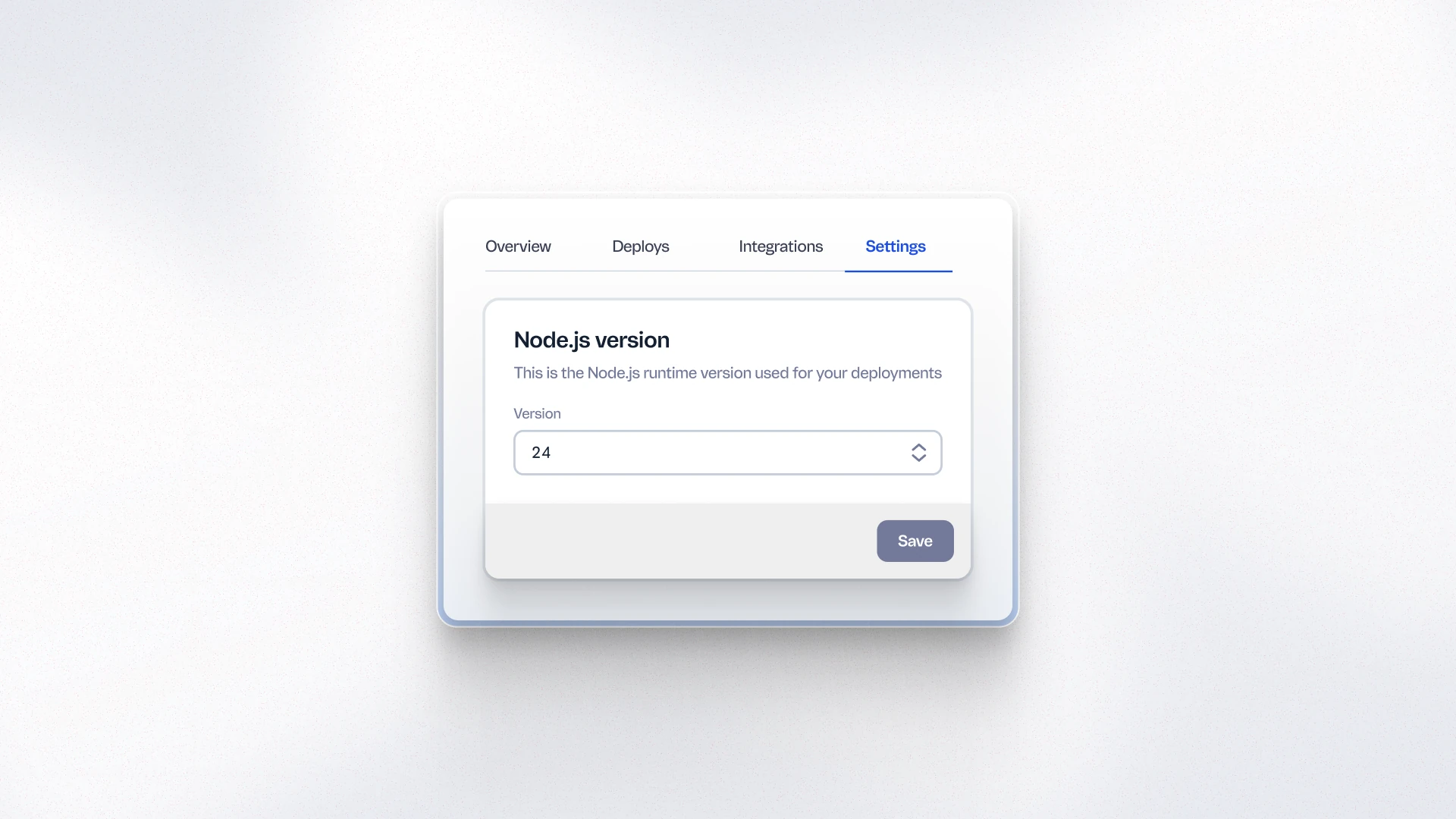
Merchants and development teams can now configure the Node.js runtime version for their FastStore build directly in WebOps, without depending on VTEX Support to make the change. This unblocks the upgrade path to FastStore v4, which requires Node.js 24, and gives teams full control over their build environment.
優點
- Upgrade path to FastStore v4: Node.js self-configuration is a prerequisite for upgrading to FastStore v4, which introduces performance improvements and native localization support.
- No support ticket required: Teams can update the runtime version on their own timeline, without scheduling or waiting for VTEX intervention.
- Better development control: Teams have direct visibility and control over the build environment, reducing dependency on external teams for routine configuration changes.
使用方式
In FastStore WebOps, go to Settings and select the desired Node.js runtime version from the configuration panel. Changes take effect on the next build. Refer to the FastStore v4 upgrade guide for version requirements.