功能說明
Failed Shopee Seller Logistics deliveries are now handled in one step. When you register a full return, Shopee is notified automatically and starts its cancellation and refund process. Your return workflow stays the same, with fewer manual steps and fewer chances for errors.
優點
- Less manual work: Register the return once, without reporting the failure in Shopee Seller Center
- Fewer errors: Remove a step that can cause missed notifications or mismatched order data
- Simpler failed-delivery handling: Use your existing return process to start Shopee's cancellation and refund
- Connected operations: Manage returns in VTEX and trigger the matching action in Shopee automatically
使用方式
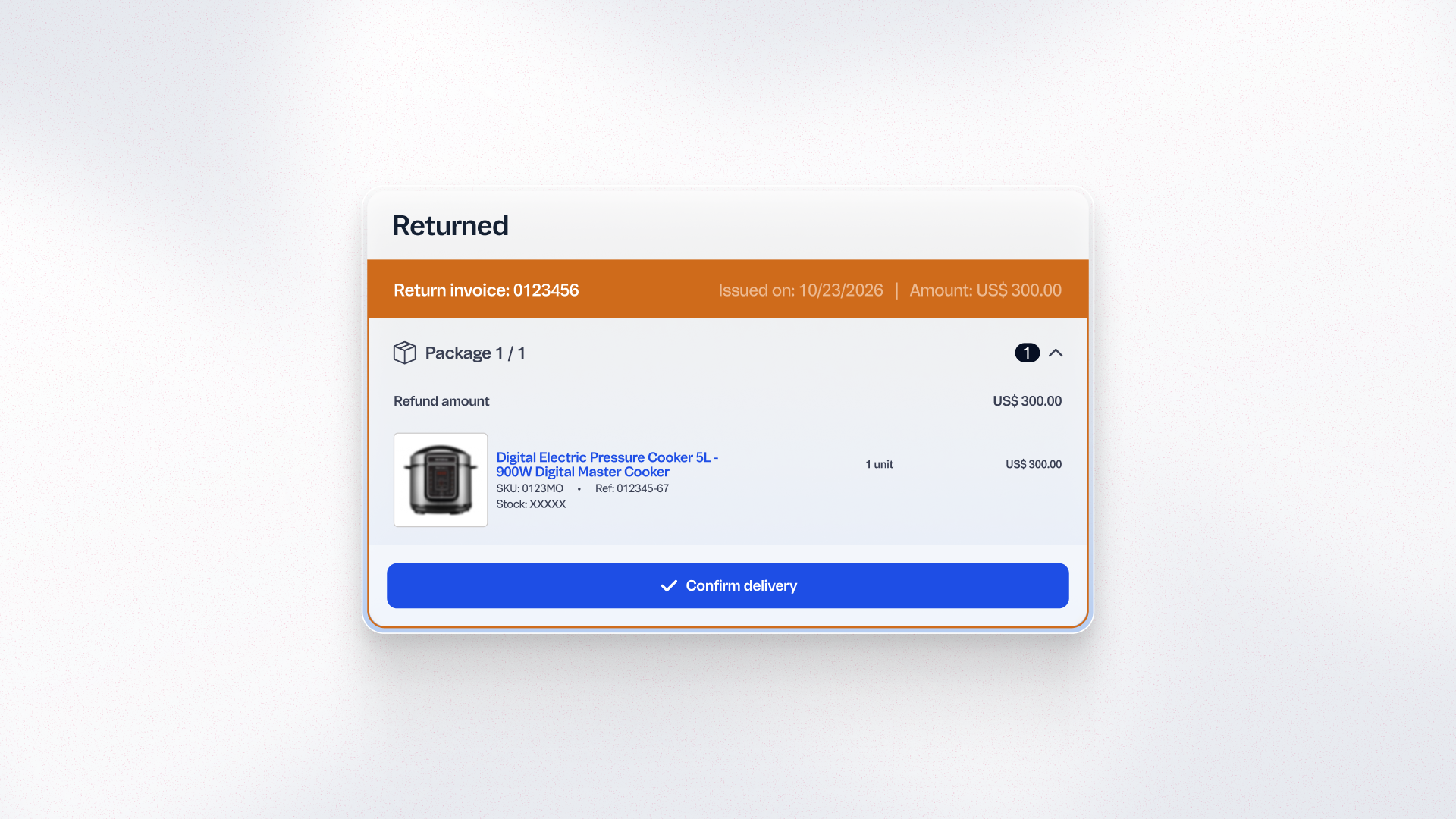
In VTEX Admin, go to Orders > All Orders and open the Shopee Seller Logistics order whose delivery failed. Register a full return for the invoiced order. You can use multiple return invoices, as long as their combined value covers the total order amount, including shipping. Once the full return is registered, Shopee is notified automatically and handles the cancellation and refund process. Available in Brazil for Shopee Seller Logistics only. Shopee Full Logistics is not supported.