功能說明
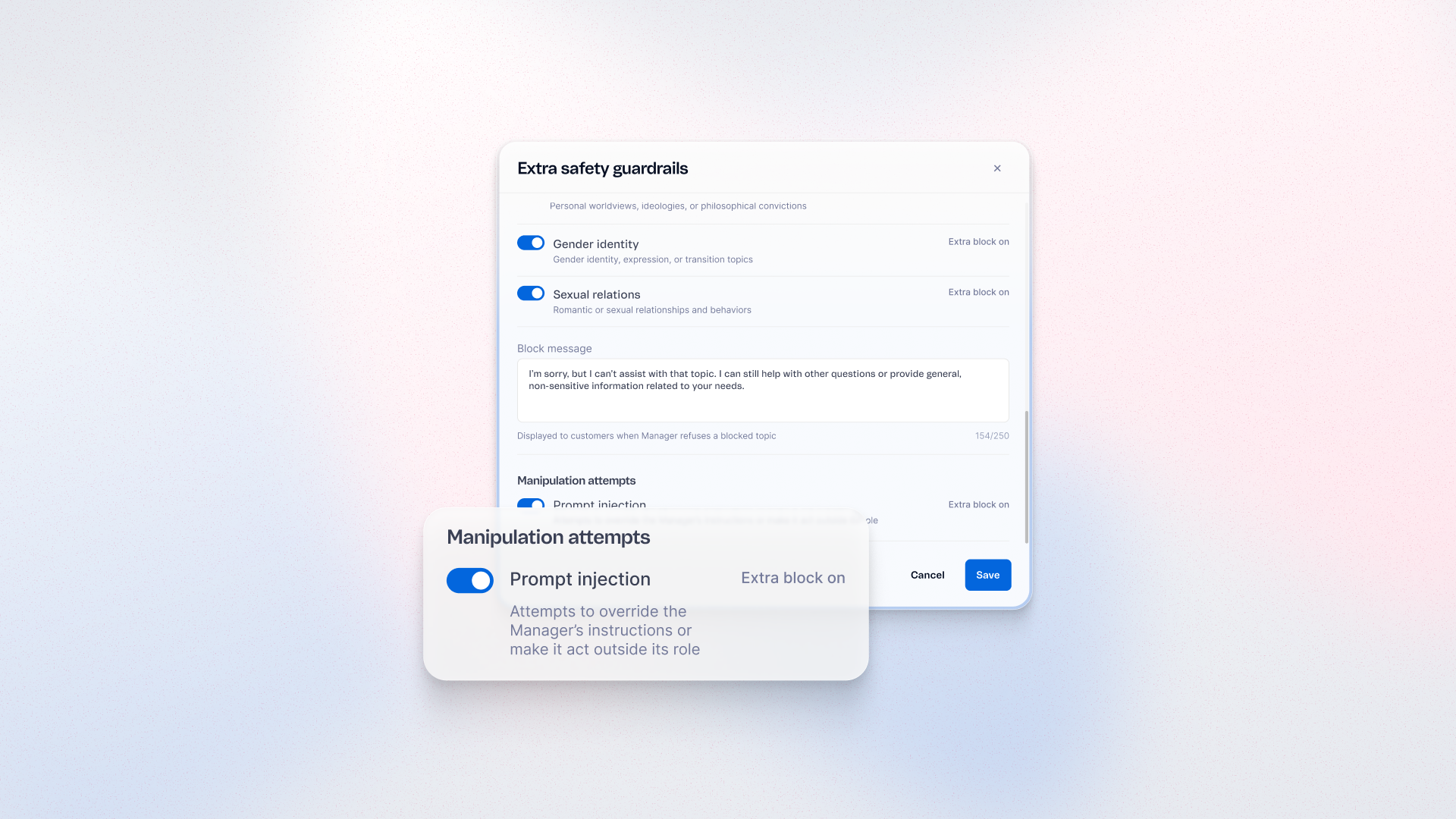
Add a guardrail that helps your AI agents recognize and refuse instructions that try to override their configuration or push them outside their role. Apply it once at the project level to cover every agent in the project. It is active by default in new projects.
優點
- Stronger protection: Reduce the risk of malicious inputs changing agent behavior
- Reliable conversations: Keep agents aligned with their configured role
- Faster setup: Protection is active by default in new projects
- Project-wide coverage: Apply the guardrail to all agents in a project
使用方式
In your project, go to Instructions > Extra safety guardrails > Manipulation attempts, activate Prompt injection and save your changes. New projects have it active by default. It adds a layer of defense but doesn't eliminate every risk.